InsightFundz starts with a built-in demonstration dataset so every screen works on day one, and labels it as sample data on every page. This guide is for the person replacing it with the funds your firm actually covers: what each loading step does, what it needs, and how to check the result.
Before you start
- A coverage list. The tickers you want, ideally grouped as the watchlists your teams will use.
- Outbound access to SEC EDGAR from wherever InsightFundz runs. EDGAR asks automated clients to identify themselves and to keep request rates modest; load in batches rather than all at once.
- A language model for extraction (fund profiles, summaries and holdings from N-PORT), and a vector index if you want the copilot.
The pipeline
- Look up the CIK. Every fund filer has a Central Index Key.
lookup-cikfinds it from the ticker; if it cannot, check the ticker against the fund's own documents (share classes often have their own tickers). - Crawl the filings.
crawl-fundfetches the fund's filing list and stores a document record for each relevant filing: N-PORT holdings, prospectuses (485BPOS, 497, 497K, N-1A, 485APOS), N-CSR and N-CSRS reports and N-CEN. - Extract.
extract-funddownloads the prospectus and the latest N-PORT. The prospectus becomes a profile (strategy, benchmark, managers, fees) and a summary with key changes and risk flags; the N-PORT becomes holdings with weights. - Or do it in one call.
seed-from-edgarruns the three steps for one ticker and returns what was ingested at each step, which is the easiest way to see where a fund failed.
Checking it worked
| Check | Where | If it fails |
|---|---|---|
| The fund appears with its family and category | Browse Funds | CIK lookup or prospectus extraction did not complete |
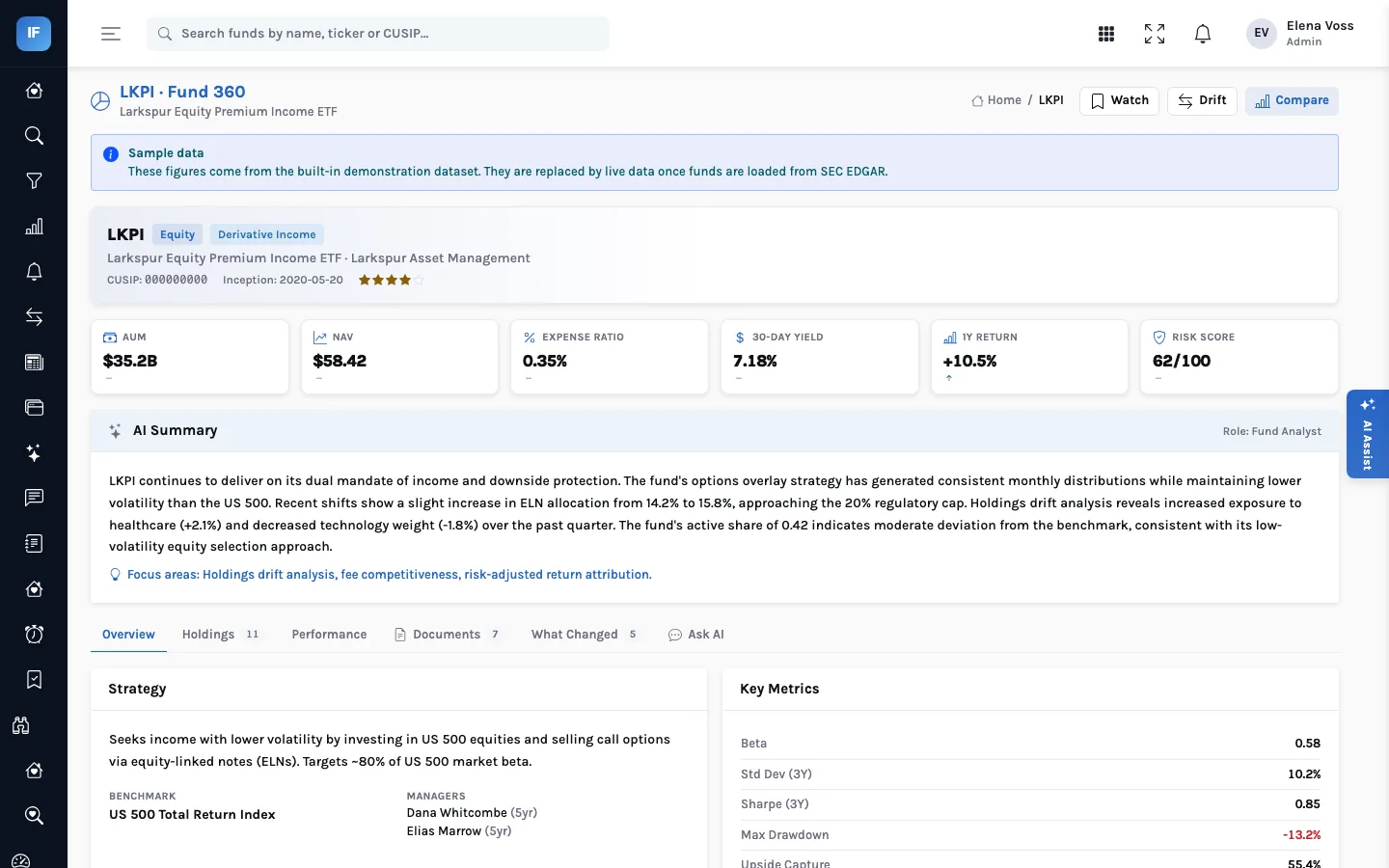
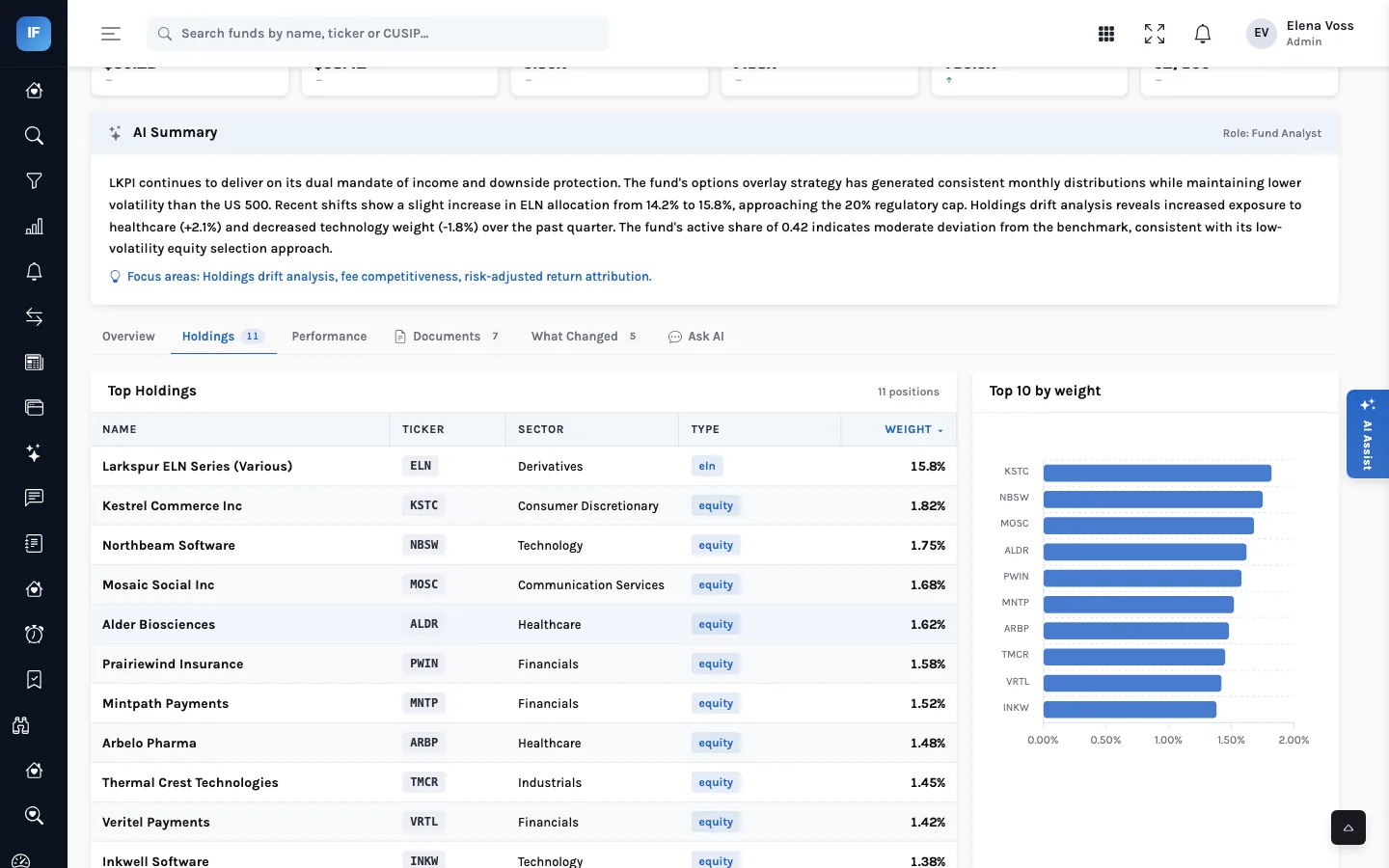
| Holdings are listed with weights that match the fund's own report | Fund 360, Holdings tab | The N-PORT was not found or not parsed |
| Documents are listed with dates and form types | Fund 360, Documents tab | The filing crawl found nothing for that CIK |
| The sample-data notice is gone | Every fund page | No funds are stored, so the demonstration dataset is served |
Reading the seed-from-edgar result
The one-call pipeline returns a list of steps with a status for each. That list is the quickest way to see what to fix:
| Step and status | What it means | What to do |
|---|---|---|
| CIK not found (the call fails) | The ticker is not in the SEC's ticker file the lookup reads | Try the fund's other share-class tickers, or find the CIK on EDGAR |
| crawl · ok, store_documents · ok | Filings were listed and document records stored | Check the count against what you expect |
| extract_prospectus · no_filings or no_url | No prospectus-type filing was found, or it had no document link | Check the fund's filings on EDGAR; some series file under a trust |
| extract_prospectus · download_failed | The document could not be fetched | Retry later; check outbound access to sec.gov |
| extract_nport · no_holdings_extracted | The model returned no usable holdings | Check the model configuration and retry; very large filings are read only in part |
What gets stored, and its limits
- Holdings are the top fifty positions by weight, so weights for a broad fund will add up to well under 100%. That is expected; compare the top positions with the fund's own report instead.
- Each snapshot is kept by report date. Loading the same report again replaces that date's holdings; a new report adds a snapshot, which is what drift needs.
- Sector allocation is computed from the extracted holdings' sectors.
- Documents are stored as records with their form type and date; indexing them for the copilot is its own job.
The crawler waits a little over a tenth of a second between requests to stay under the SEC's published limit of ten requests a second, and identifies itself in its User-Agent. Set that User-Agent to your firm's contact details before you load at scale; check the SEC's current guidance for automated access.
Keeping it current
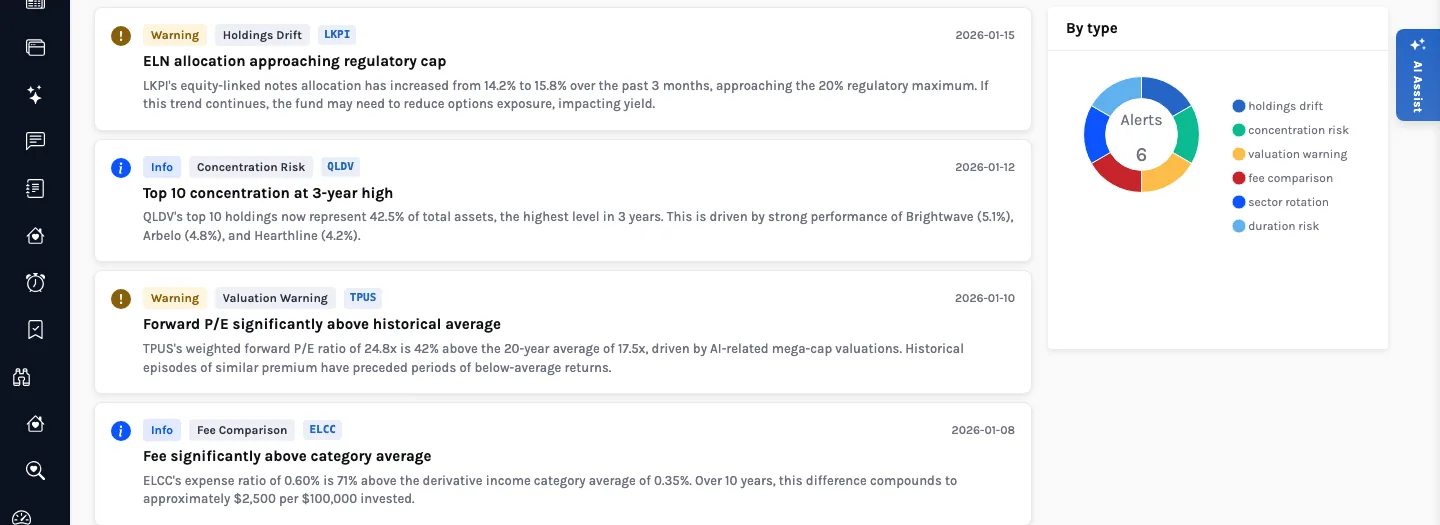
Funds file N-PORT monthly with the SEC (made public quarterly), and prospectus updates arrive through the year. Re-run the crawl and extraction for a fund when you need its latest holdings, and drift analysis will compare the new snapshot with the stored one. The product includes a scheduler for daily prices and weekly filings and an EDGAR monitor for new filings; agree with your platform team who owns the refresh schedule.
A sensible first week
- Load ten funds your team knows well, and check each against its fact sheet.
- Set up one watchlist per team and the alert severities each wants.
- Load the rest of the coverage list in batches.
- After the next filing cycle, open the drift view for a few funds and confirm the changes match what you expect.
Questions
How many funds can we load?
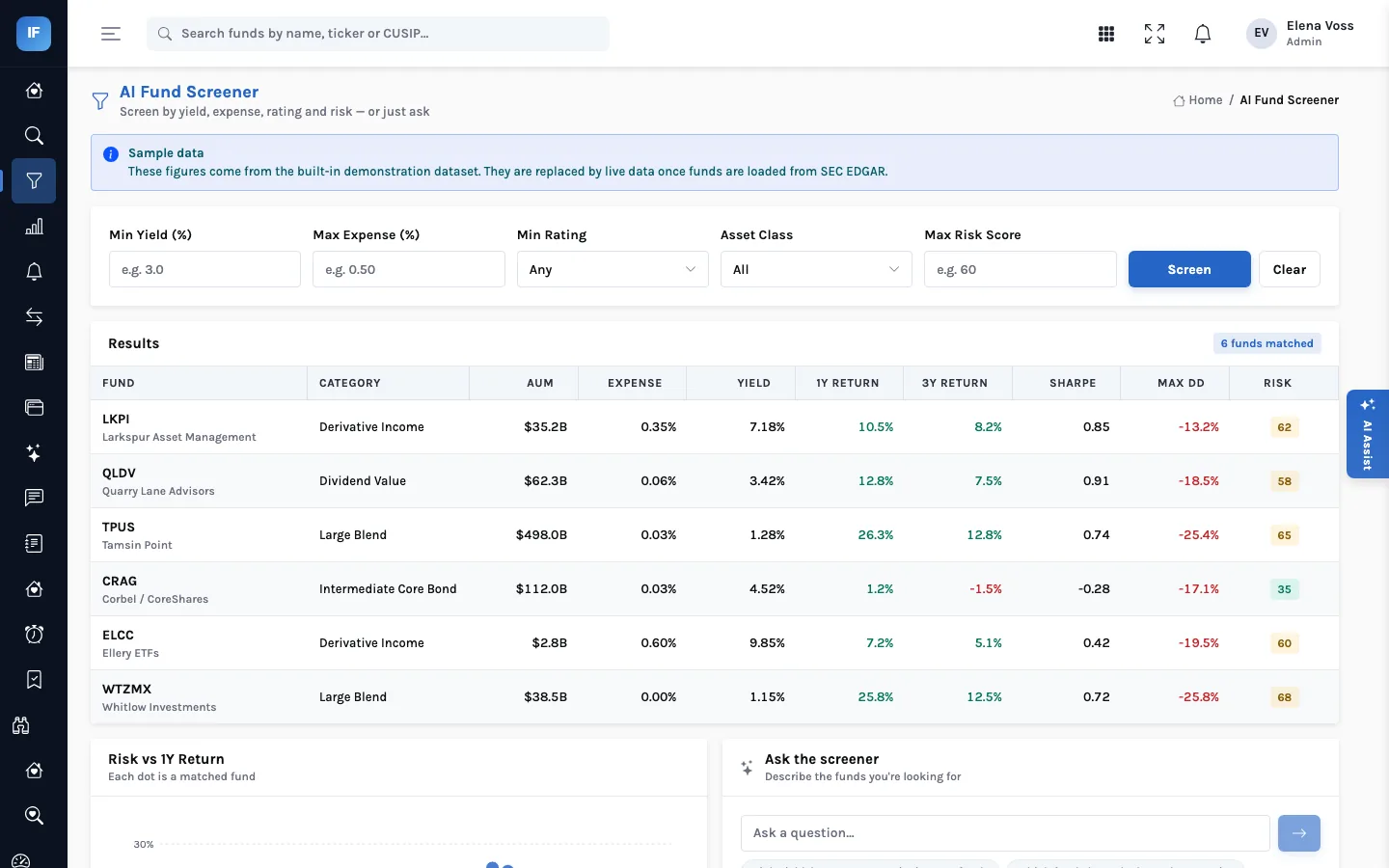
The product does not cap stored funds; the practical limits are EDGAR's request rate and the model calls for extraction, so load in batches and watch the step results. The screener filters the first hundred funds in name order and the digest covers the fifty largest by AUM; tell us if your coverage list is larger and we size those for you.
Can we load mutual funds as well as ETFs?
Yes, as long as the ticker resolves to a CIK and the fund files on EDGAR. Share classes of one fund often share a filer, so check that you are not loading the same portfolio twice under different tickers.
Who needs to be involved?
Someone who knows the funds (to check the first ten), someone who can approve the model provider, and whoever runs scheduled jobs on your platform for the refresh.
Back to the start: InsightFundz: a fund 360 built from the filings.