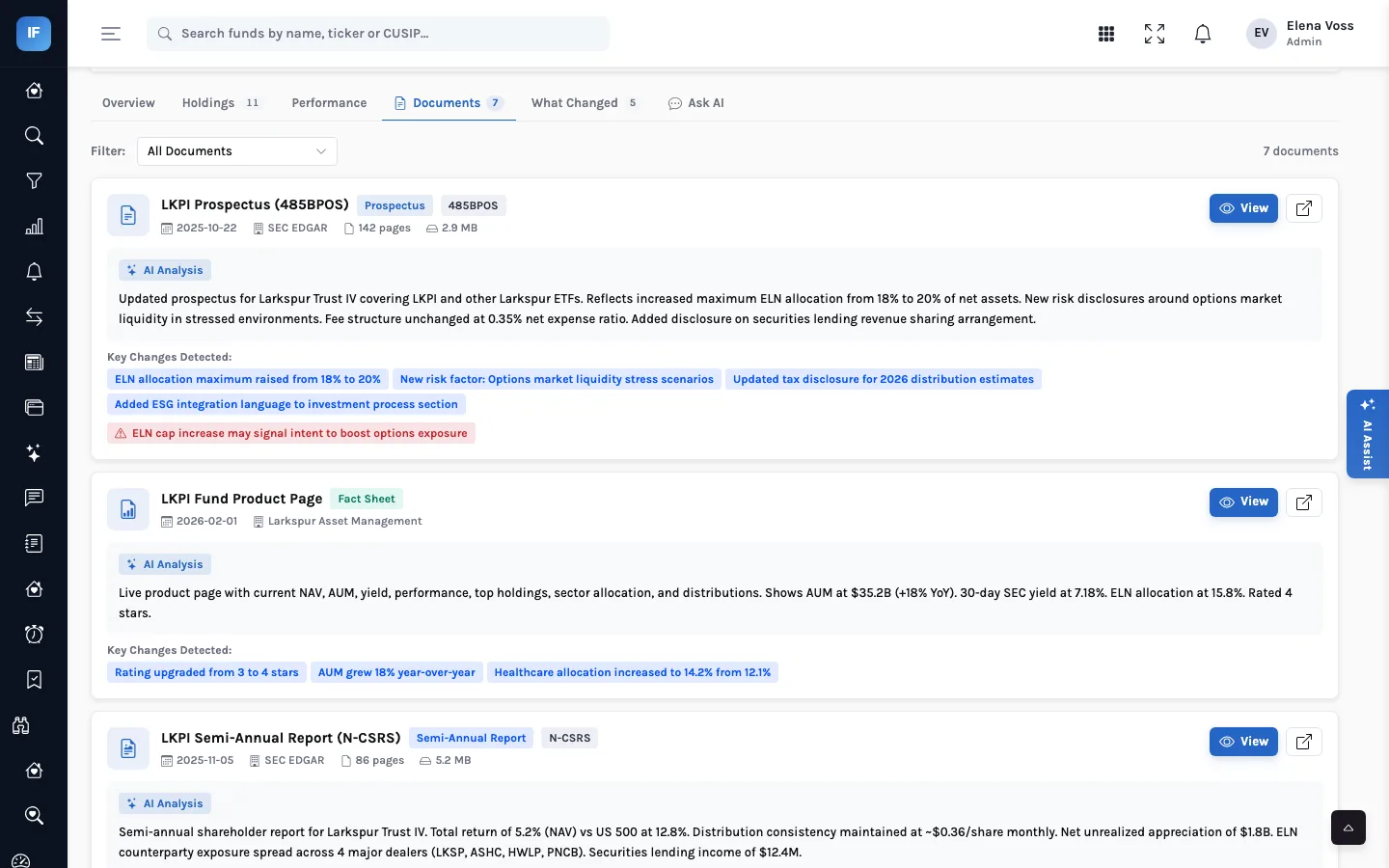
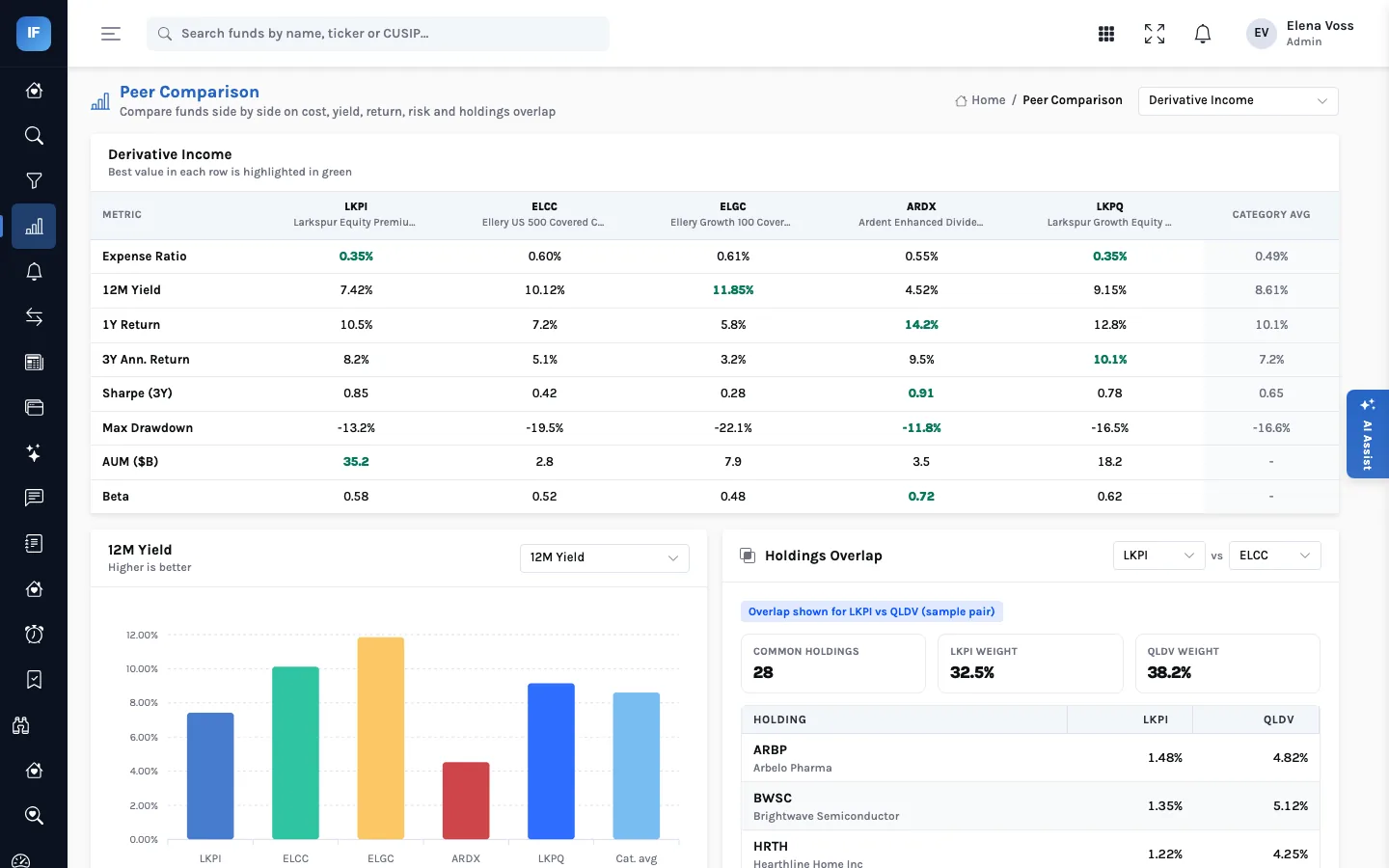
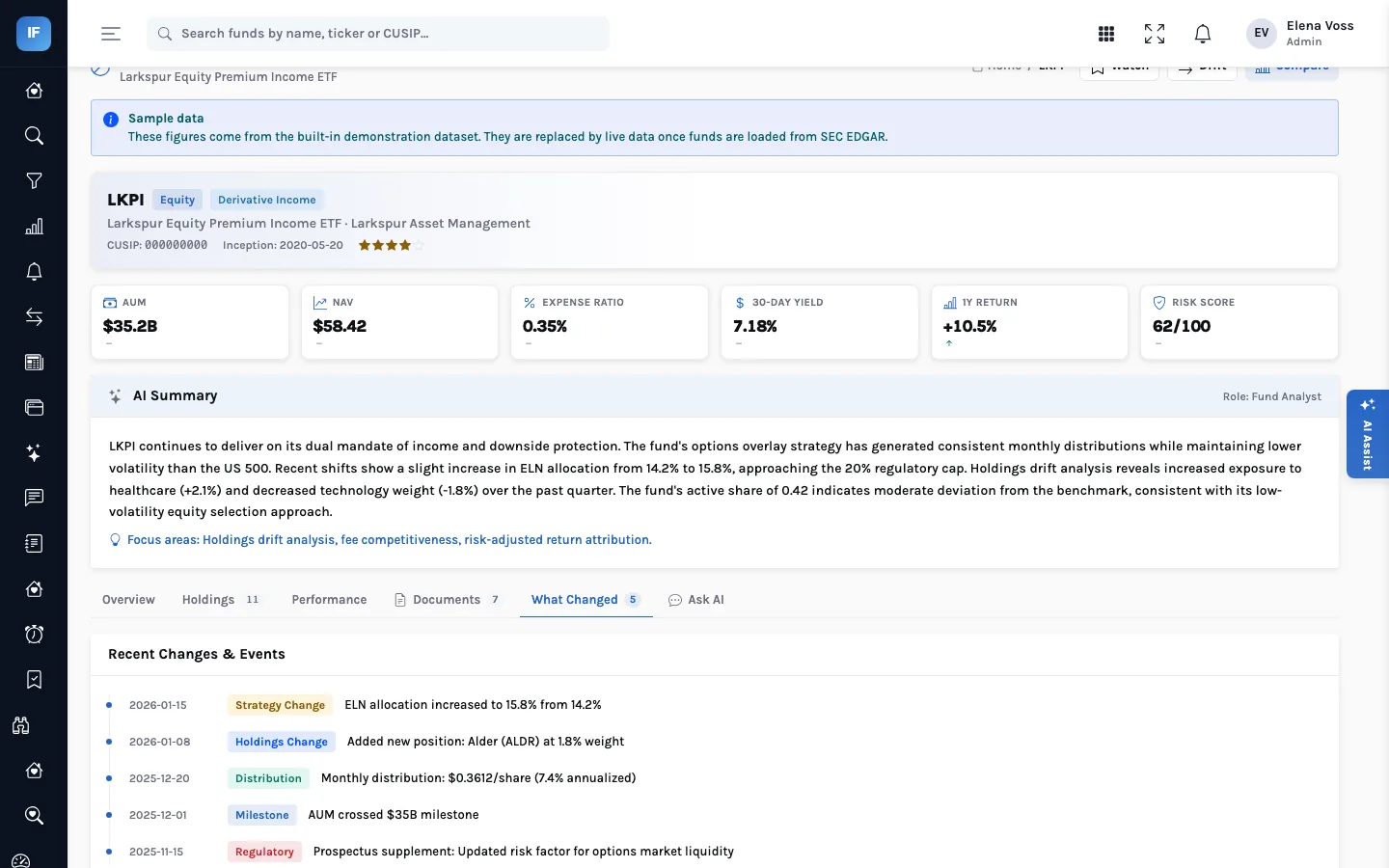
An alert is only useful if the reader can tell, in one line, what happened and why it matters. “Fund X: anomaly detected” gets ignored; “expense ratio increased from 0.35% to 0.45%” gets read. InsightFundz alerts are rules with stated thresholds, so every alert carries the numbers that triggered it.
The rules
| Alert | Triggers when | Severity |
|---|---|---|
| NAV movement | The daily NAV moves by 2% or more | Medium; high from 3%; critical from 5% |
| Expense change | The net expense ratio differs from the recorded one | Low; medium from 0.05 pt; high from 0.10 pt |
| Holdings drift | More than five positions added or removed, or turnover above 2% | Medium; high above 5% turnover |
| Single position | One position's weight moves by 2 points or more | Medium |
| New filing | A new filing (for example N-PORT or a prospectus supplement) is found | Info |
| Rating change | The fund's star rating changes | Medium; high for a move of two stars or more |
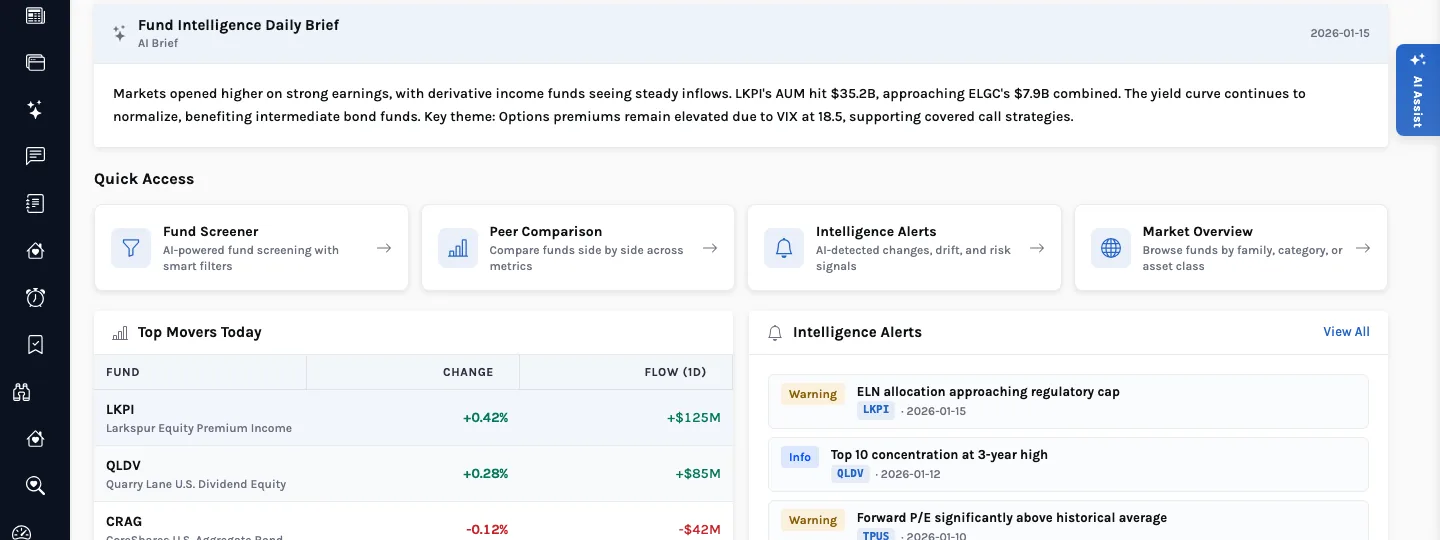
Each alert records the old and new values, so the title is specific (“Expense ratio increased to 0.45%”) and the description gives the change. Holdings drift alerts also carry the top five weight changes, which is usually what the reader opens the alert to see.
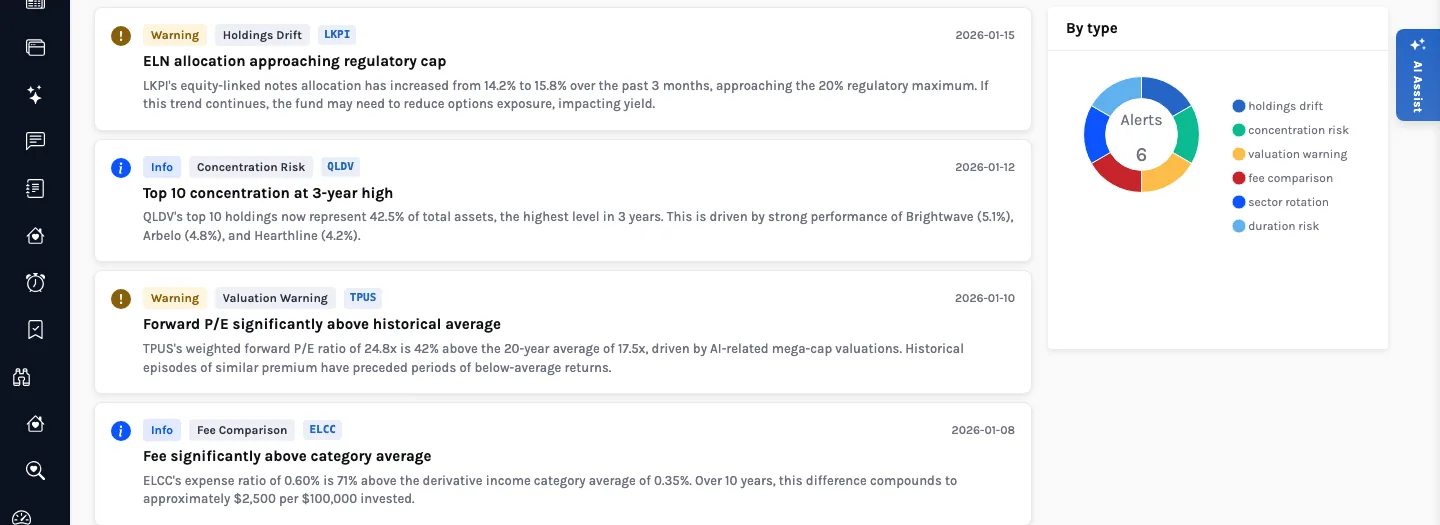
Severity is a filter, not decoration
Every user has preferences: which severities to be notified about (critical and high by default), whether to receive email or Slack notifications, how often to receive the digest (weekly by default), and a role (analyst, advisor, portfolio manager or compliance officer) that shapes the AI summaries. A watchlist decides which funds are “yours”. The alerts page can be filtered by fund, severity and type.
When the checks run
The design is a set of scheduled jobs: daily prices at the end of the trading day, a weekly pass over EDGAR for new filings, and weekly refreshes of fund information and performance, with the rule checks run after each. An EDGAR monitor can also poll for new filings for the funds being tracked. Alert emails go through Amazon SES and Slack notifications through a webhook.
The digest: the week in one page
Alerts are for the moment something happens; the digest is for the Monday meeting. It gathers, for a set of funds, the alerts, filings and notable changes of the period into a per-fund update and a short narrative, written by a language model when one is configured and assembled from the records when not.
Fewer alerts, read more often
A fictional advisory firm, Ashgrove Capital, starts with every severity switched on and its advisors stop reading the alerts within a fortnight. It narrows each advisor's notifications to critical and high for the funds on that advisor's client watchlist, and leaves medium and info alerts for the weekly digest. Expense changes on funds their clients hold now reach the advisor the day they are recorded, with the old and new ratio in the title.
Worked examples: what each rule would say
The thresholds are easiest to judge with numbers in front of you. These are made-up values run through the rules as written.
| What changed | Alert title | Severity |
|---|---|---|
| NAV from $25.00 to $24.20 (−3.2%) | NAV dropped 3.2% | High (3% or more, under 5%) |
| NAV from $25.00 to $25.40 (+1.6%) | None: under the 2% threshold | – |
| Net expense ratio 0.35% to 0.45% | Expense ratio increased to 0.45% | High (a change of 0.10 pt) |
| Net expense ratio 0.35% to 0.39% | Expense ratio increased to 0.39% | Low (under 0.05 pt) |
| Rating from 4 stars to 2 | Rating downgraded to 2 stars | High (two stars or more) |
| One position from 3.1% to 5.4% of the fund | <name> weight increased by 2.3% | Medium |
Two details are easy to miss. The NAV rule compares the two most recent stored prices, so a missing day makes the comparison span two sessions. And the expense rule fires on any difference, however small, at low severity; with the default notification setting of critical and high, a one-basis-point change is recorded but does not notify anyone.
Which step raises each rule
All six rules live in the alert engine, and each is raised by a different step, which matters when you decide what to rely on.
- NAV movement is the check the scheduled price job runs after each price update.
- New filing alerts are created by the EDGAR monitor, which polls every six hours.
- Expense, rating and holdings drift are checks that take the new value as input, so they produce records when the step that brings in the new value calls them.
Together with the note above that the scheduler and monitor are not started by the API, this means that on a fresh deployment the alerts list shows what has been stored, and the drift and fee signals are best read from the drift view and the fund's own figures until those calls are wired in.
Setting alerts up: a checklist
- Build one watchlist per team or per client book before adjusting anything else.
- Leave notifications at critical and high to begin with; read medium and info in the digest.
- Pick each person's role so summaries lean the right way.
- After two weeks, look at which alert types people opened and which they ignored, and adjust severities, not thresholds.
Questions
Can we change the thresholds?
The thresholds are defaults in the alert engine (2% for NAV and turnover, 0.1 point as the drift floor). They are parameters in the code, not settings on a screen, so changing them is a configuration change for your deployment.
Does the digest follow my watchlist?
The digest generator takes a list of funds; the digest page uses the default, the fifty largest active funds by AUM, and a deployment can point it at a watchlist instead.