A general chatbot will happily tell you a fund's yield; it may even be right. For research and advice that is not good enough: the answer has to come from the fund's own documents, with the source, and it should say so when the documents do not cover the question. That is how the InsightFundz copilot is built.
Step 1: documents become searchable passages
Prospectuses, fact sheets and holdings are split into passages of about 1,500 characters with a 200-character overlap, so a sentence is never cut off from its context, and each passage is tagged with the section it came from. The passages are embedded and stored in a vector index, one entry per passage, with the fund and document they belong to.
Step 2: each question retrieves its own context
When someone asks a question on a fund's Ask AI tab, or the floating AI assist panel, InsightFundz retrieves the five most relevant passages for that fund, adds the fund's own figures (family, category, AUM, NAV, expense ratio, yield, rating, risk score and returns by period), and sends both to the model with instructions for the reader's role. The answer comes back with its sources numbered, so a reader can check each claim, and ends with one to three suggested next steps.
Step 3: the role changes the answer, not the facts
| Role | What the answer leans towards |
|---|---|
| Analyst | The detail: holdings, strategy, how the figures moved and why |
| Advisor | Suitability and comparison: cost, yield, risk, what to tell a client |
| Portfolio manager | Positioning: overlap with what is held, drift, what to watch |
The same retrieved passages go into every role's prompt. What changes is the emphasis and the recommendations, which is why two colleagues asking the same question see consistent figures.
Document analysis
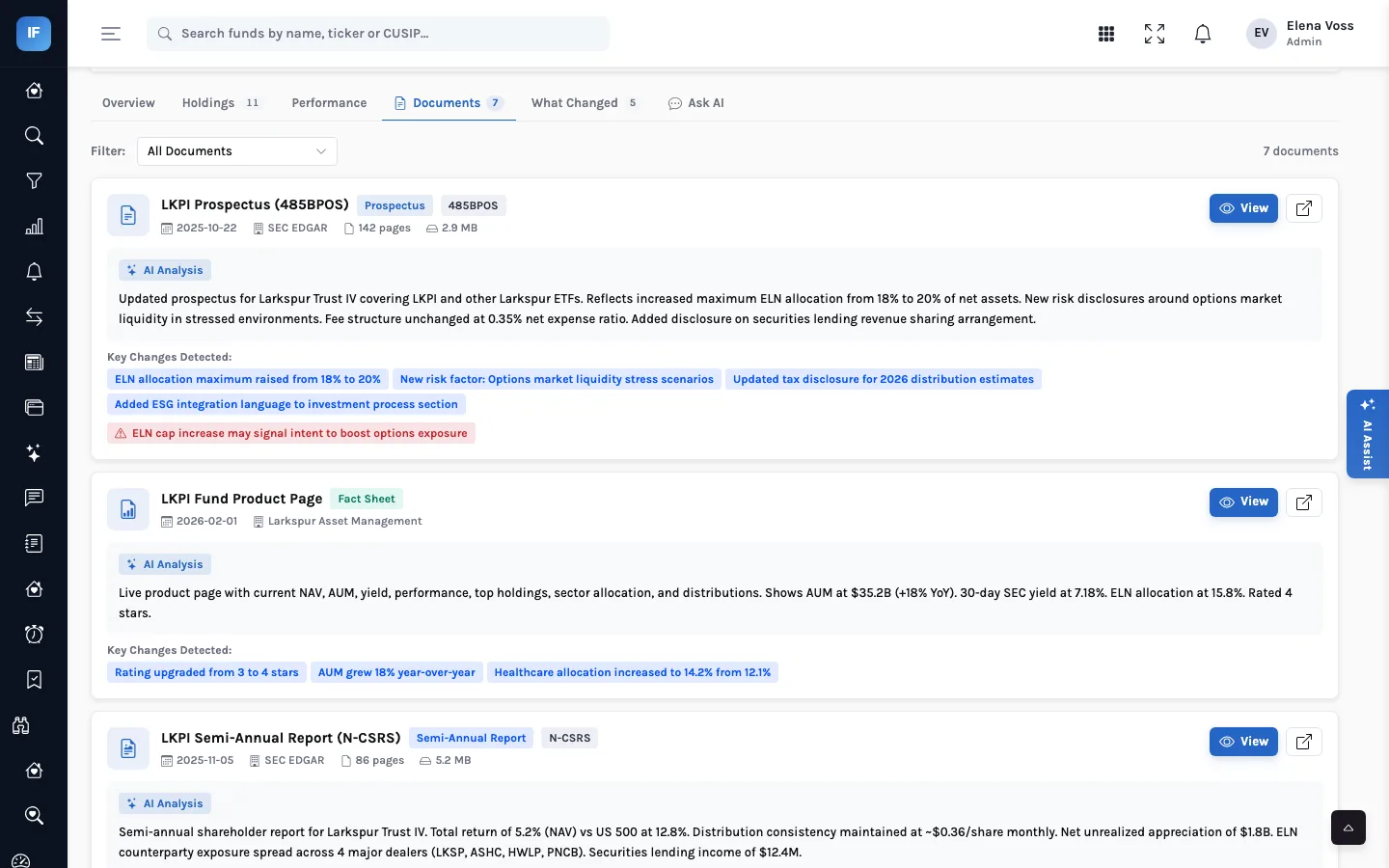
Each document on the Documents tab carries a short analysis and the key changes it describes (a raised limit, a new risk factor, a changed fee), with anything that may matter to a holder flagged. Extraction of a document into a structured profile (strategy, benchmark, managers, fees) uses a language model with instructions to return structured fields, which are stored with the fund.
A client question, answered from the prospectus
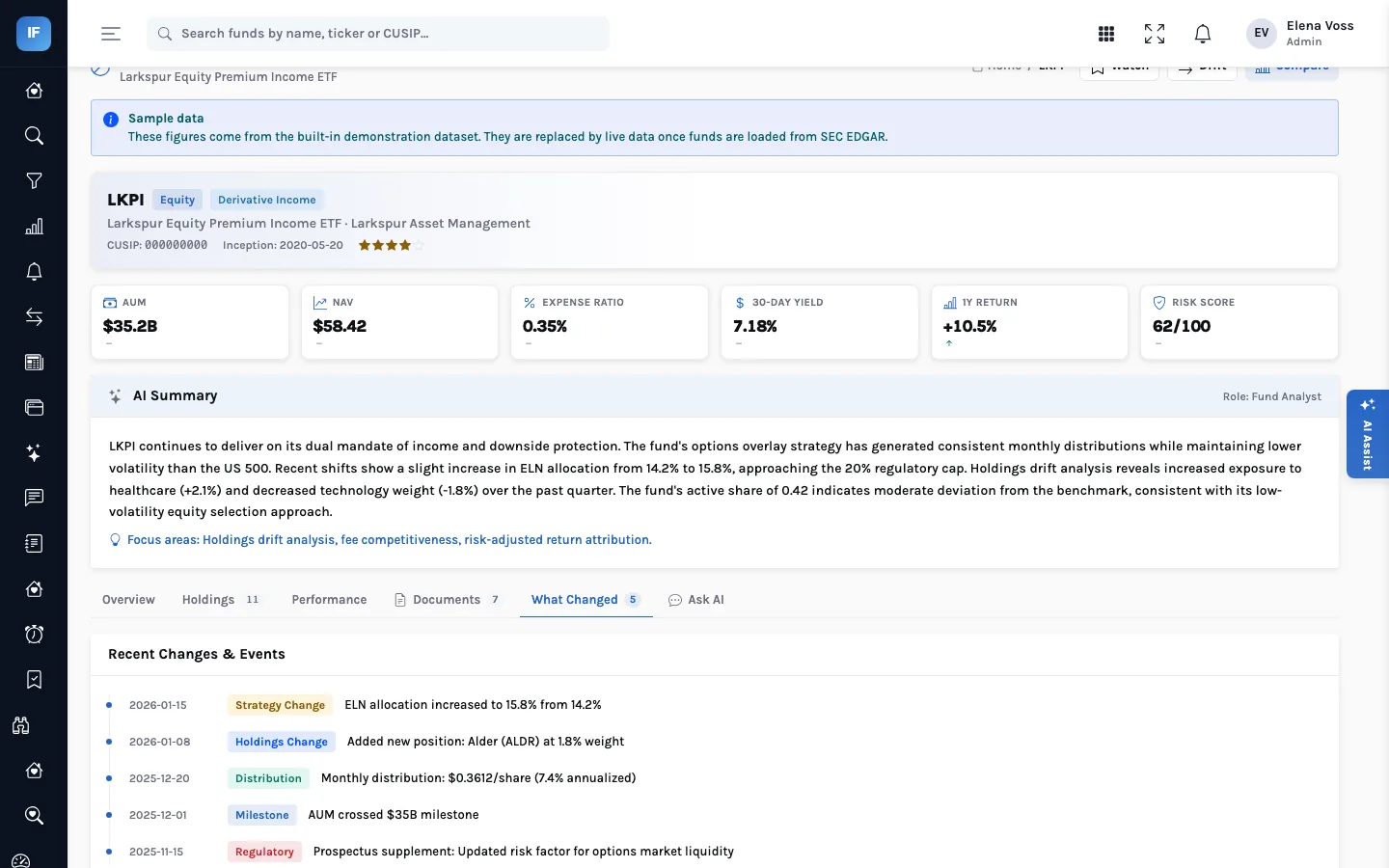
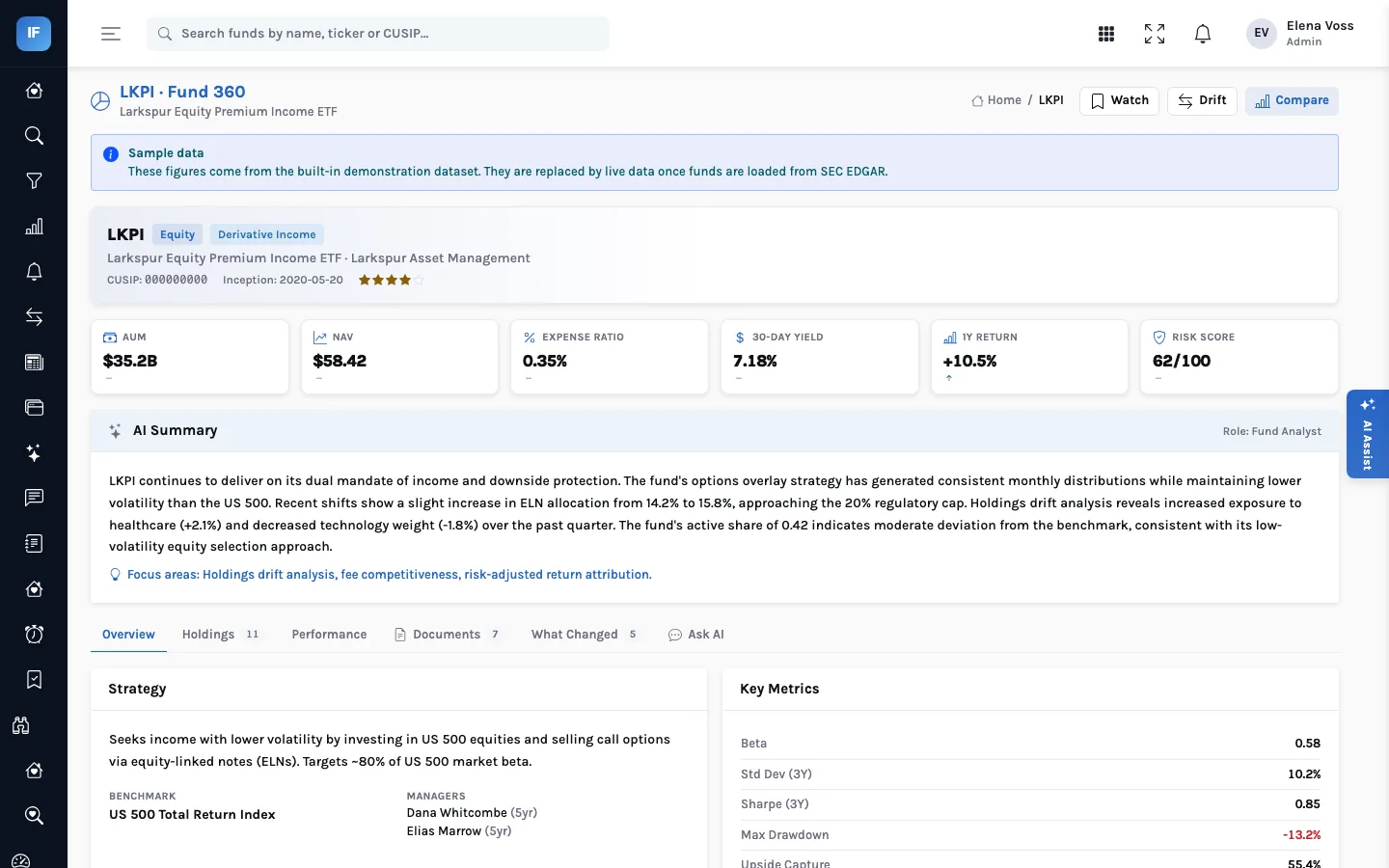
A client of a fictional advisory firm asks whether a made-up income ETF, LKPI, could cut its distribution. The advisor asks the copilot in advisor mode. The answer cites the prospectus passage on how the options overlay generates income and the semi-annual report on distribution consistency, notes that distributions vary with option premiums, and suggests comparing the fund with a lower-yield dividend fund. The advisor reads the two cited passages before writing to the client.
What the model is actually told
Each question is wrapped in the same instructions: answer from the context provided, include specific figures where they exist, say honestly when the context does not contain enough information, and end with one to three recommendations. The call runs at a low temperature (0.3), which keeps answers to the same question close to each other. A role adds a short system instruction on top: the analyst prompt asks for quantitative detail and peer comparison, the advisor prompt for plain-language risks and client goals, the portfolio manager prompt for allocation, factor exposure and liquidity, and the compliance prompt for prospectus adherence and disclosure.
How confident is an answer?
Every answer carries a confidence label that reflects how much evidence was found, not how sure the model sounds.
| Passages retrieved | Label shown |
|---|---|
| Three or more | High |
| One or two | Medium |
| None | Low |
A low-confidence answer was written from the fund's own figures alone, with nothing from its documents. Treat it as a starting point and go to the Documents tab.
A worked question
- An analyst asks, on a made-up fund's Ask AI tab: “What limits does the prospectus put on derivatives?”
- The question is matched against the vector index, restricted to that fund, and the five closest passages come back, most of them tagged risks or strategy by the section detector.
- The fund's figures (category, AUM, expense ratio, yield, rating, risk score, returns) are added above the passages.
- The answer quotes the limit, numbers its sources, and suggests checking the latest supplement for a change.
- The analyst opens the cited passages before using the figure.
Comparing two funds
The copilot also has a two-fund comparison that sets out key differences, performance, fees, risk and return, and when to prefer each. It works from the funds' stored figures rather than retrieved passages, so check cited documents separately when the comparison turns on a prospectus detail.
Before you rely on it: a checklist
- Confirm the documents you care about are indexed for each fund; an empty index means low-confidence answers.
- Spot-check five answers per fund type against the source passage before rolling out.
- Agree on a rule that nothing goes to a client without a person reading the cited passages.
Questions
Will it make up a figure that is not in the documents?
It is instructed not to and to say when the context is insufficient, and the low temperature helps, but no instruction removes the risk entirely. That is why sources are numbered and why the checklist above asks a person to read them.
Does our data leave our environment?
Questions and retrieved passages are sent to the configured model provider. In the default configuration that is Amazon Bedrock in your AWS region; review the provider terms with your security team.